Resources.
Setup guides, settings references, trading concepts and release notes for StatMap° and StatVol°.
New here? Start with these
Claim access, add the indicators to your chart and get a first setup running.
- 1Getting StartedClaim your TradingView access on Whop, add Statistical Mapping° and Statistical Volatility° to your chart, and set up a simple first configuration.
- 2Settings ReferenceEvery setting of Statistical Mapping° and Statistical Volatility° v4 explained: calculation, timeframes, sessions, style, liquidity, graph pane and alerts.
- 3Set Up Alerts in TradingViewSet up TradingView alerts for Statistical Mapping° and Statistical Volatility°: which events trigger them, which condition to pick and how to manage them.
Library
Browse by category
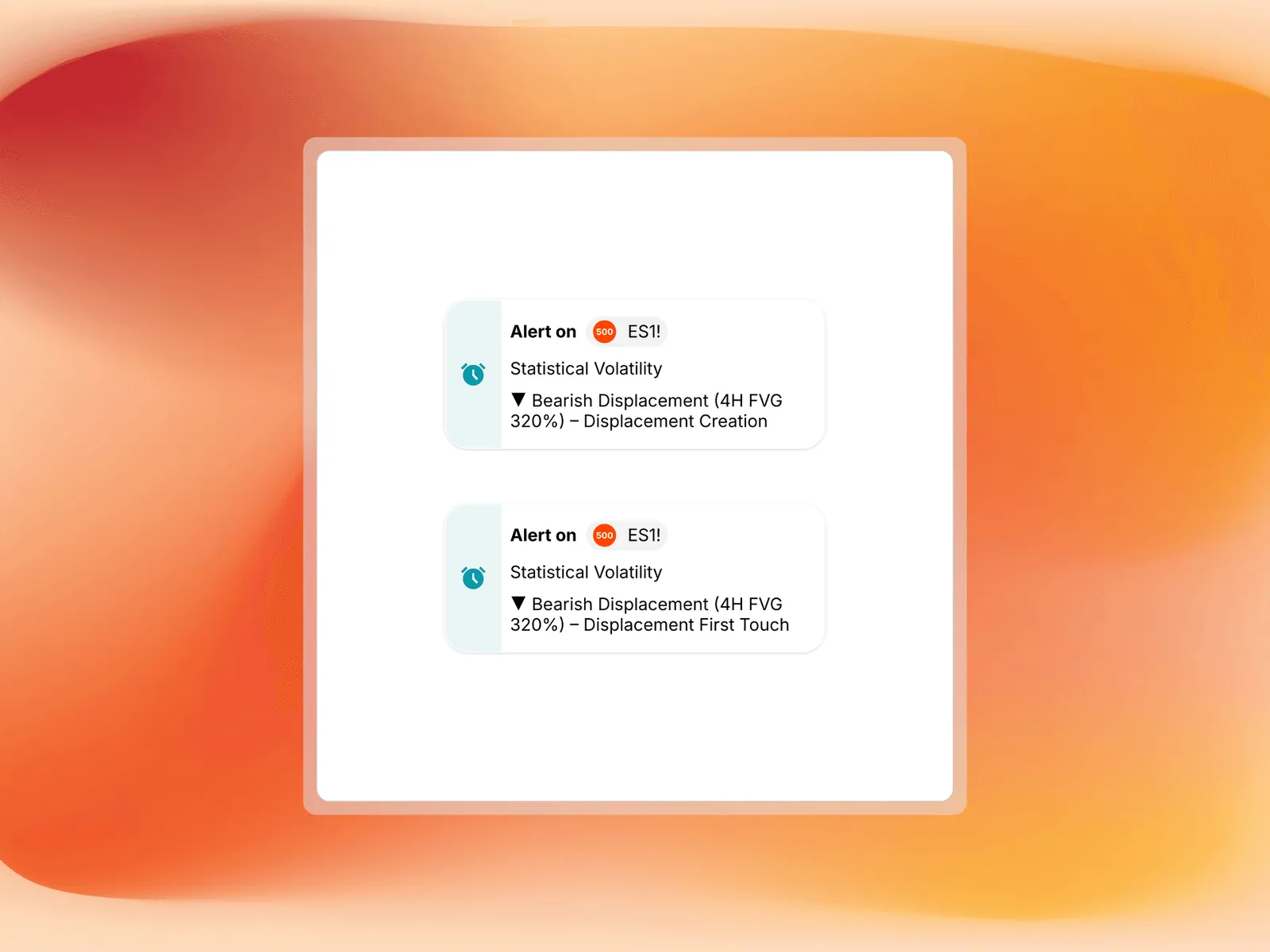
StatMap° v4: Major Update
Version 4 unifies timeframe and session maps in one indicator, adds custom daily anchors and day-of-week statistics, and brings displacement alerts.
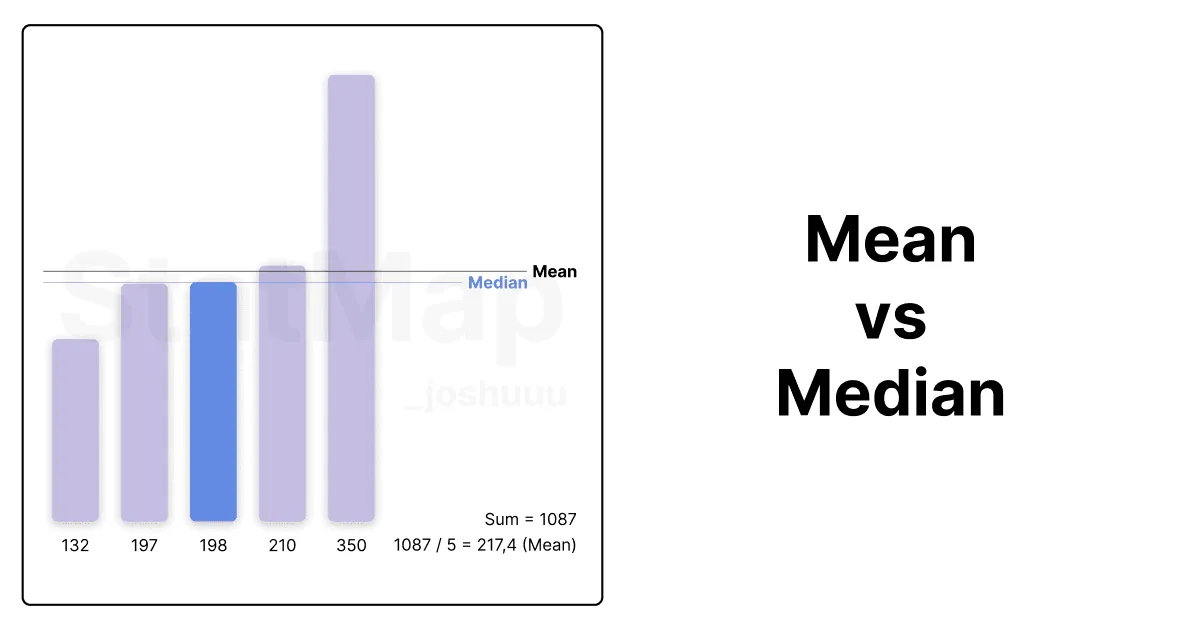
Difference Between Mean and Median in Trading Context
See how Mean and Median differ with a simple NQ example, why news outliers skew the average, and when to pick Mean, Median or Both in Statistical Mapping°.
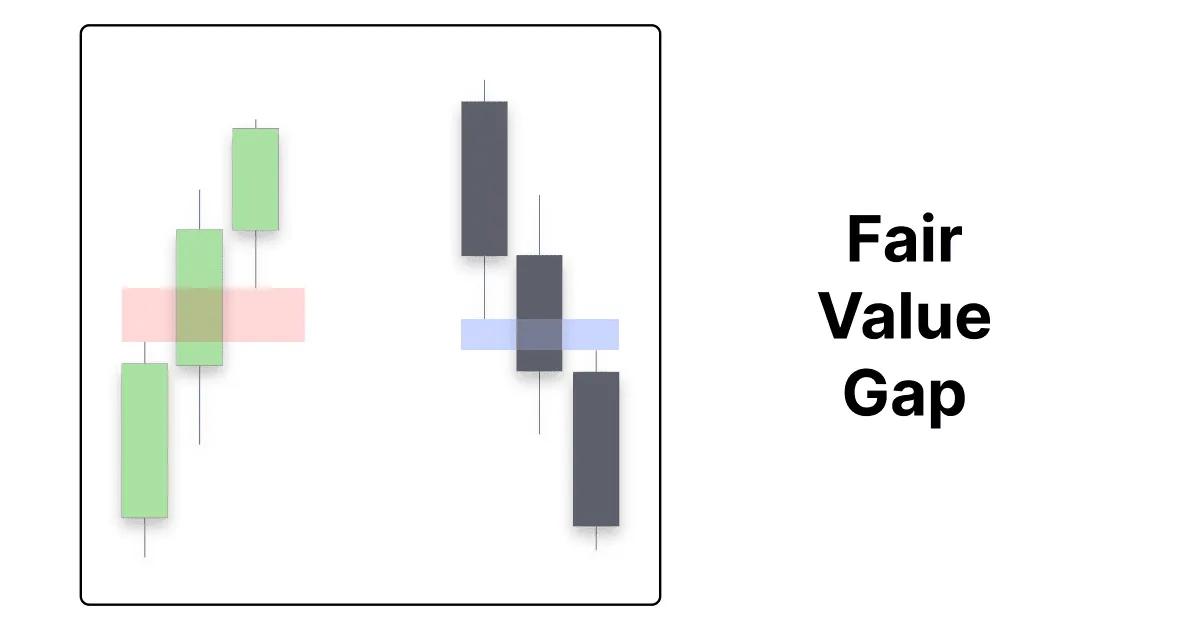
Fair Value Gaps
Learn how the three-candle Fair Value Gap forms, how bullish and bearish FVGs act as support and resistance, and when they flip into inversion FVGs.
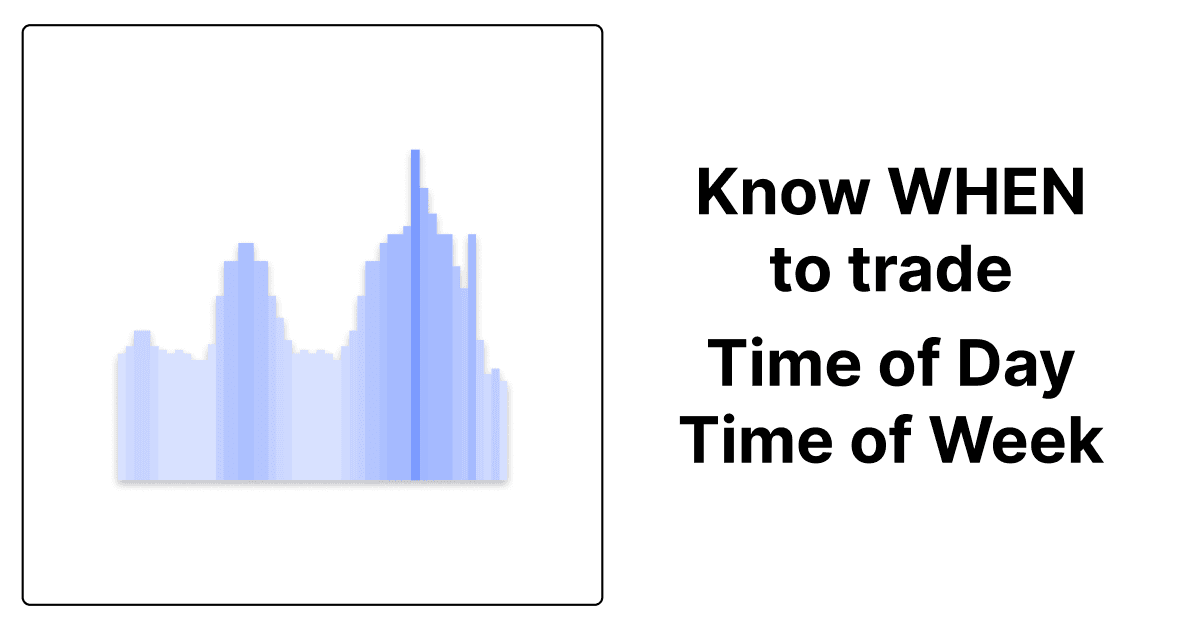
Statistical Volatility°: Finding the Active Hours
Use the Statistical Volatility° Graph Pane to find the most active hours of your market, read heatmap and histogram, and filter displacements by session.
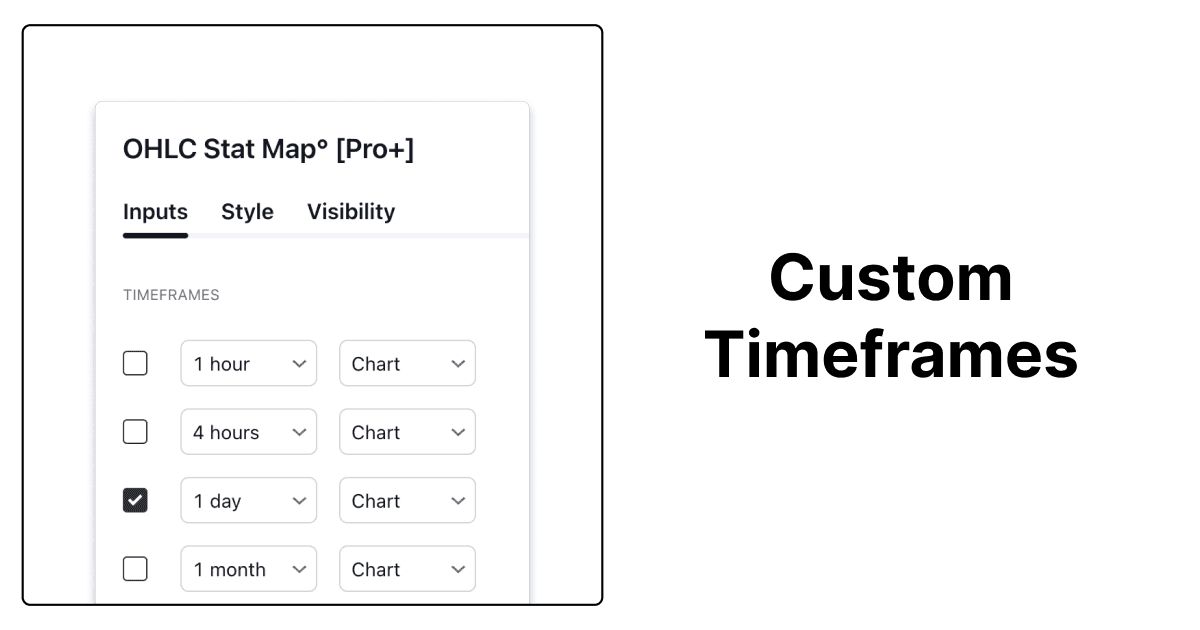
Custom Timeframes in TradingView
Add custom timeframes such as 9 minutes or 3 hours in TradingView and use them in the timeframe rows of Statistical Mapping° for tailored levels.
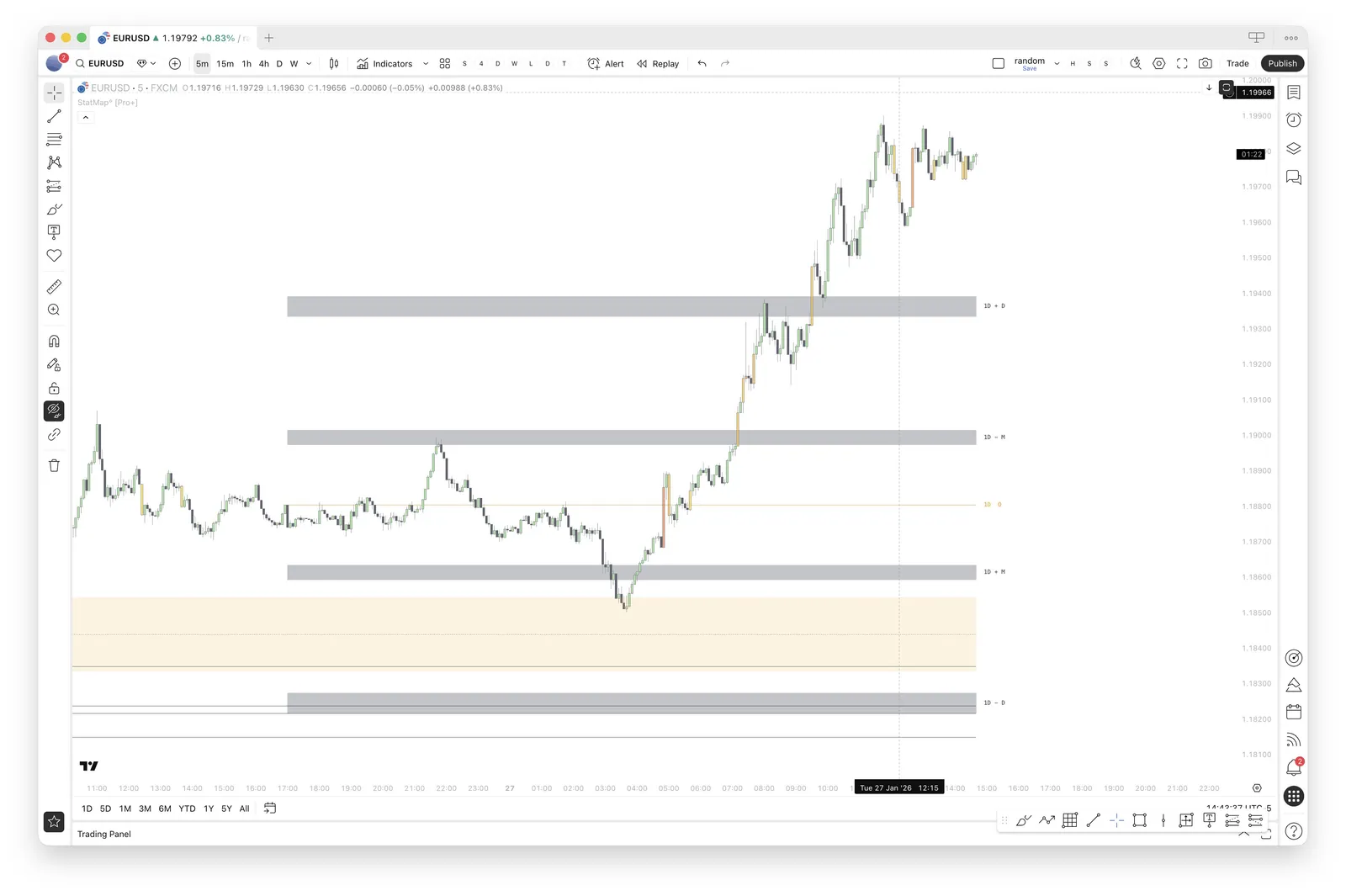
Combining StatMap° and StatVol°
Three ways to combine StatMap° levels with StatVol° displacements: displacement into a level, higher timeframe displacements as POIs, and rejections.
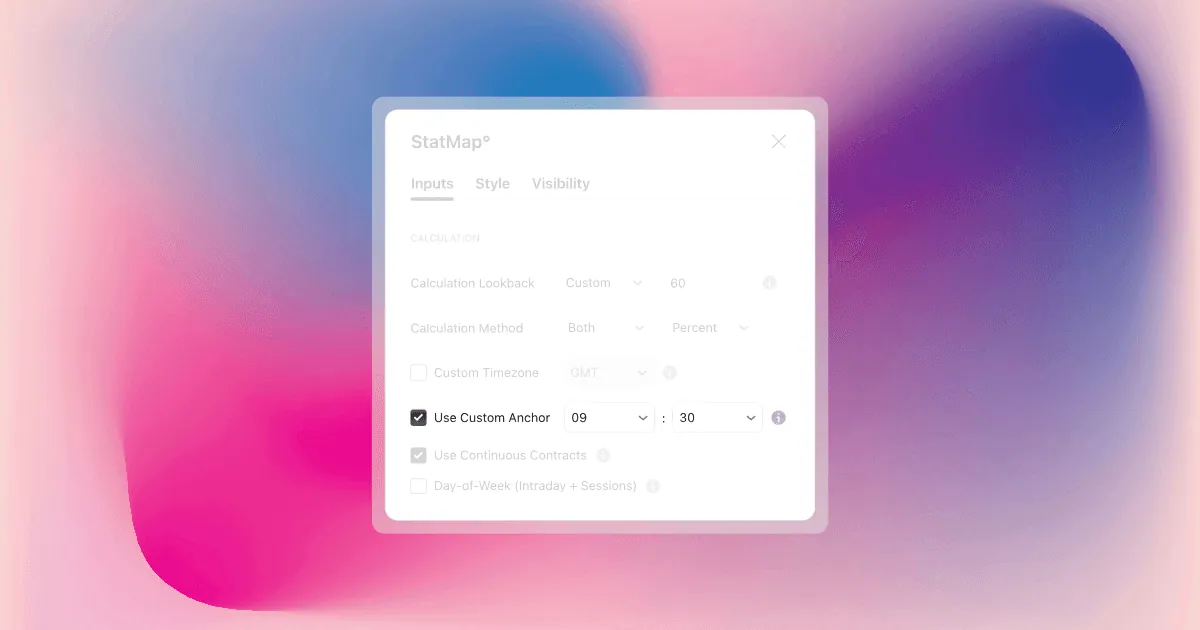
Custom Daily Anchor
Learn when to move the daily start of Statistical Mapping° away from the regular daily candle, which anchor times traders use and how to set it.
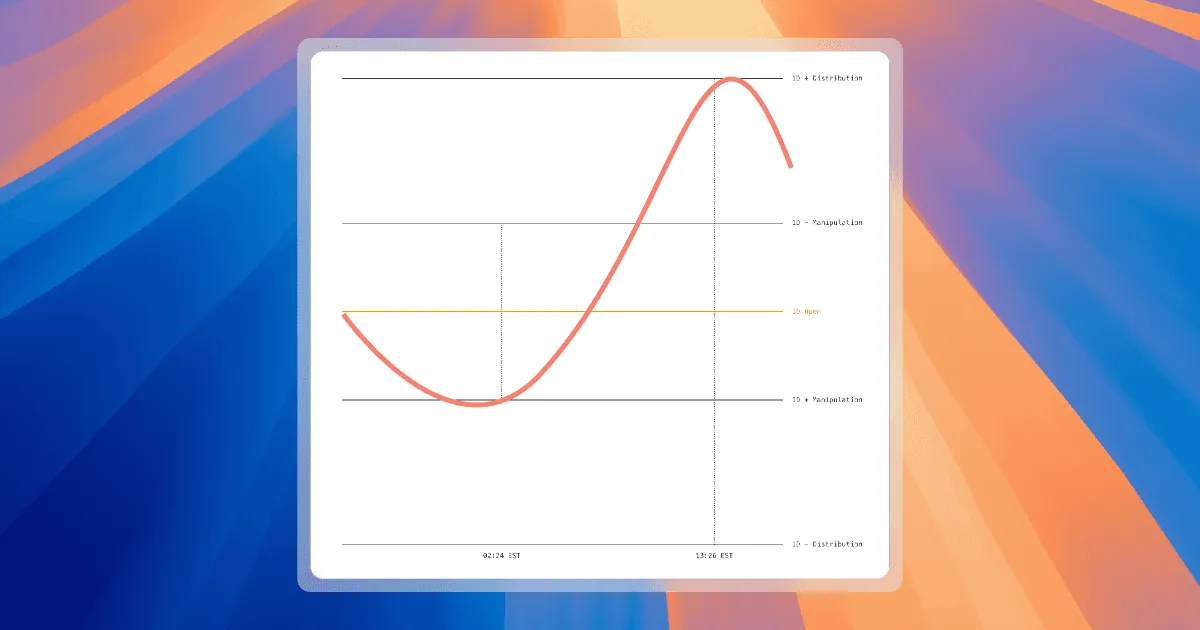
What is Statistical Mapping?
Statistical Mapping° projects five levels from each period's open to show where highs and lows tend to form. Learn the levels, sessions and liquidity.
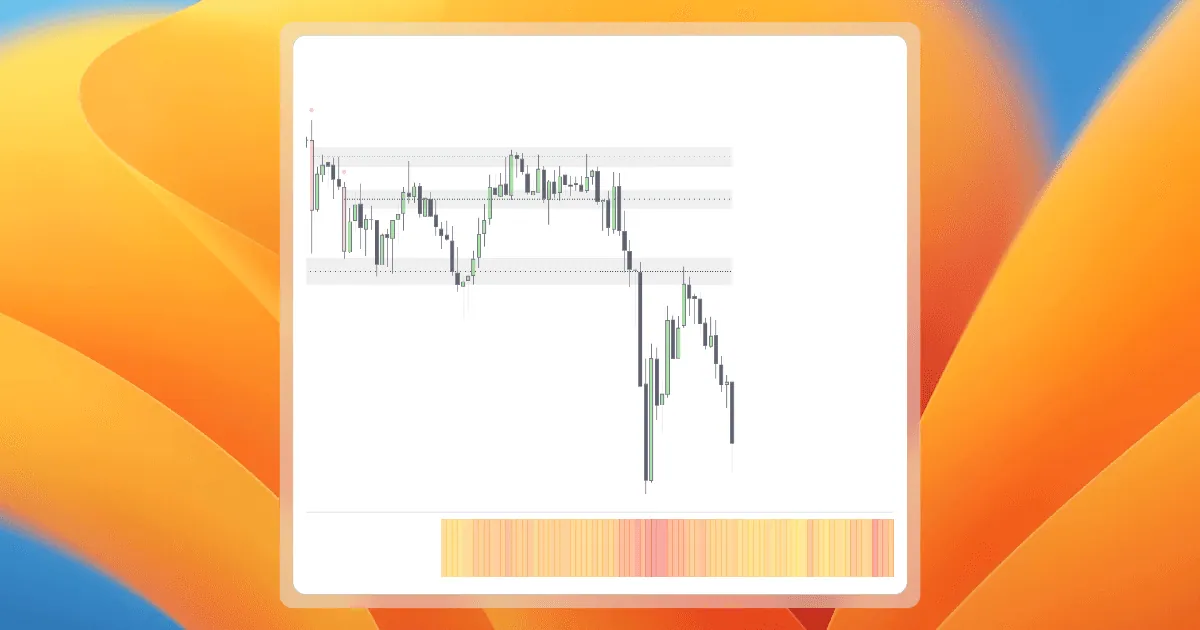
What is Statistical Volatility?
Statistical Volatility° highlights unusually large candles as displacements and shows the most active times of day in its Graph Pane.
Introducing Statistical Volatility 2.0
Statistical Volatility 2.0 added the Volatility Filter, statistical displacements with Low to Extreme strength levels, and FVGs filtered by displacement.
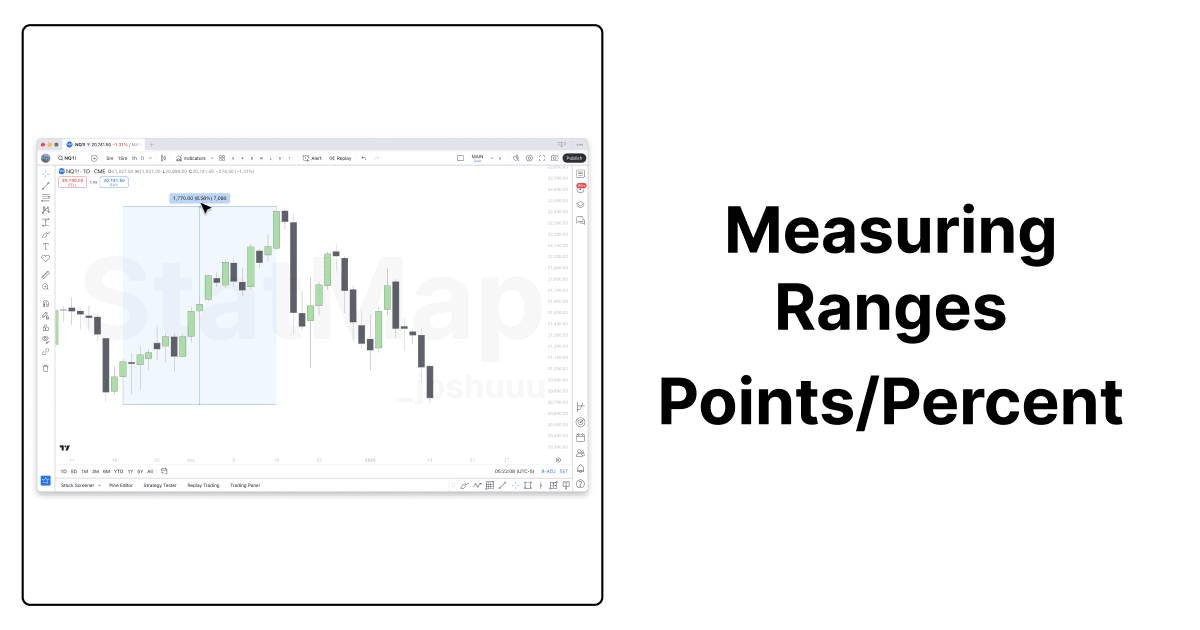
Measuring Ranges: Points or Percent?
Points or percent? See how a 1,000-point move on NQ shrank from 32% to 5% over the years and which Calculation Unit fits your market.
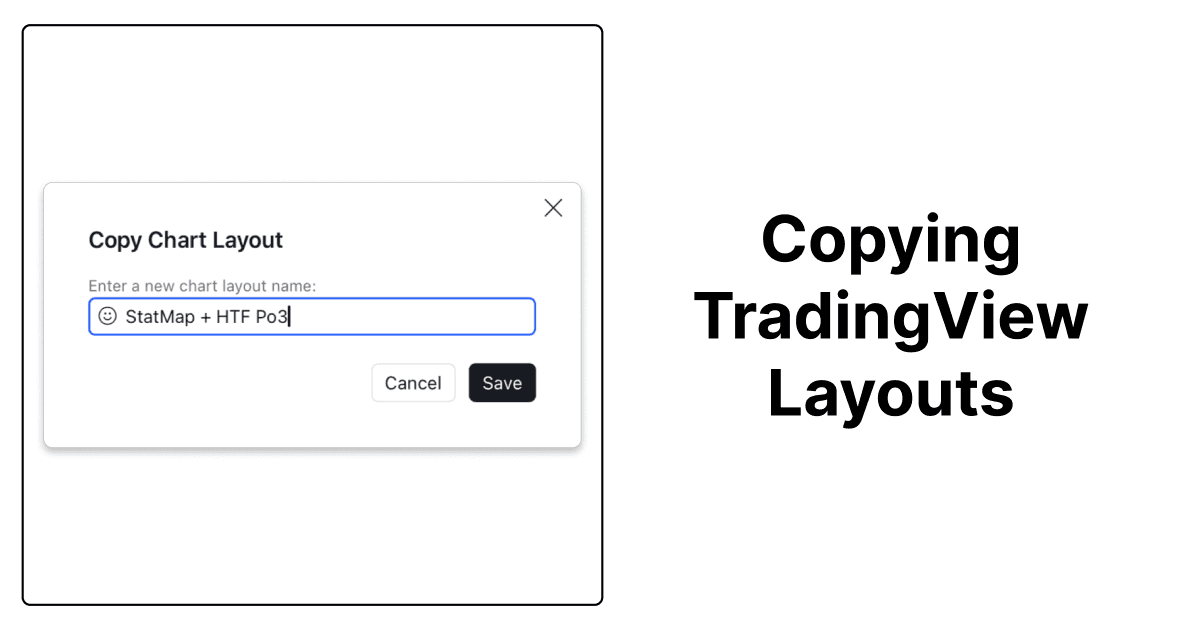
Copying TradingView Layouts
Learn how to copy a shared TradingView layout, switch between saved layouts and share your own chart setup, including your StatMap° indicator settings.
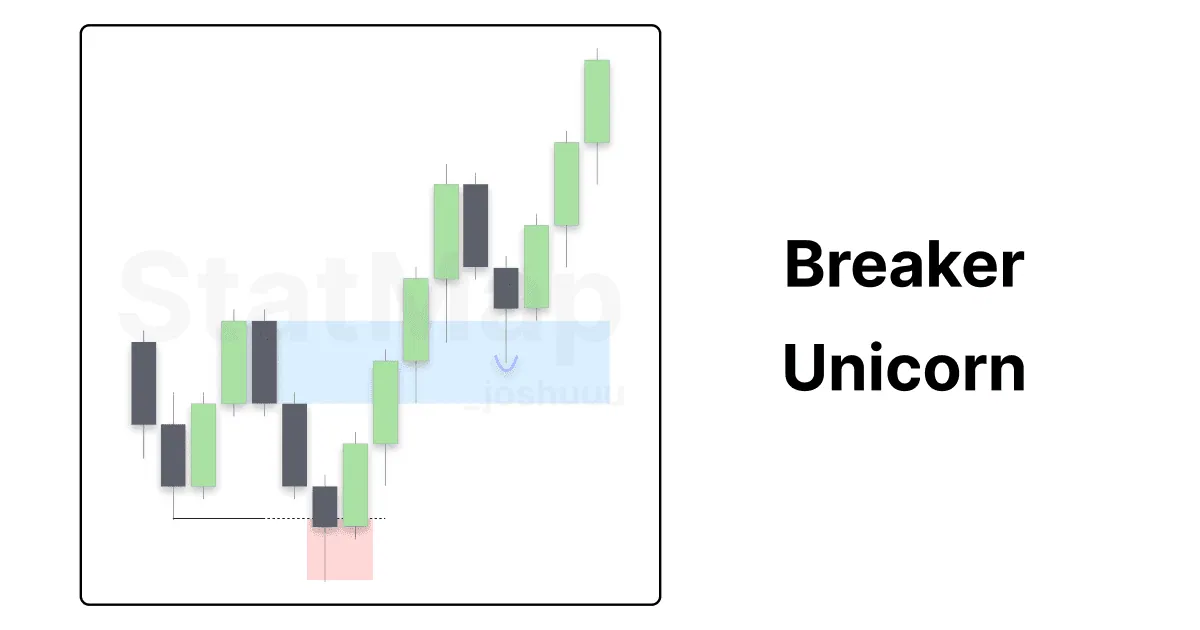
Understanding the Breaker/Unicorn Setup
Learn how the breaker block captures liquidity before a reversal and how a Fair Value Gap inside it creates the higher probability Unicorn setup.
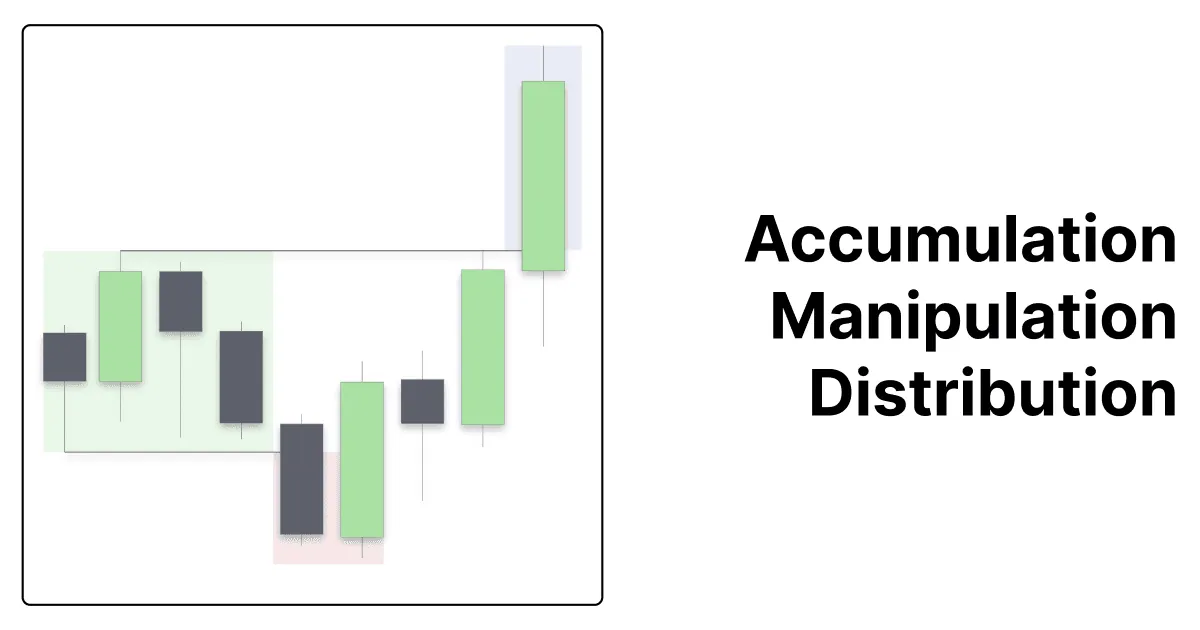
Understanding Accumulation, Manipulation, and Distribution in Trading
Understand the accumulation, manipulation and distribution phases of the Power of Three and how Statistical Mapping° levels help you anticipate each phase.
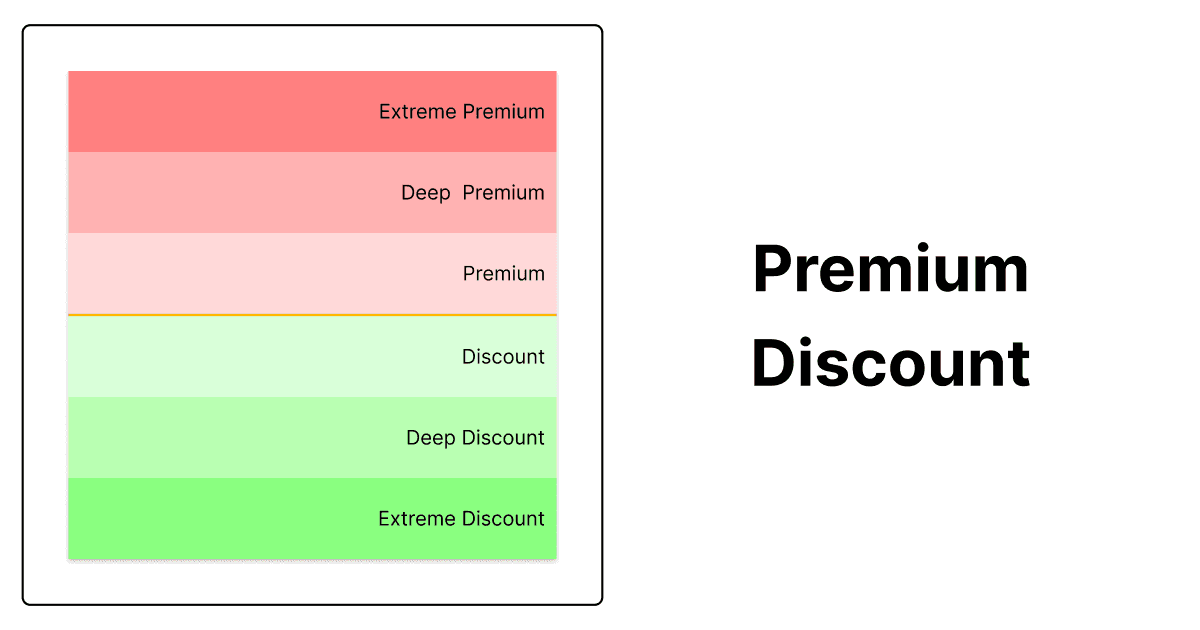
Premium-Discount
Learn how premium and discount zones around the open, built from Statistical Mapping° levels, help you find buy and sell areas and spot extreme prices.
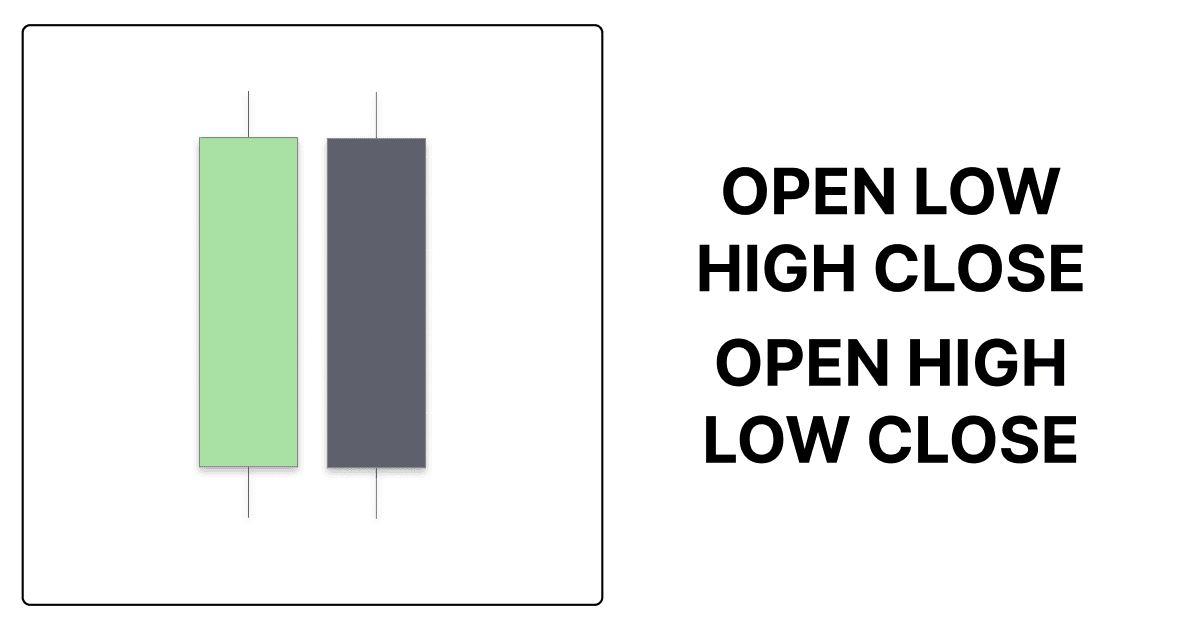
OHLC/OLHC – The Foundation of Price Action
OHLC and OLHC describe the order in which a candle forms its open, high, low and close. Learn how this sequence helps you read price action.
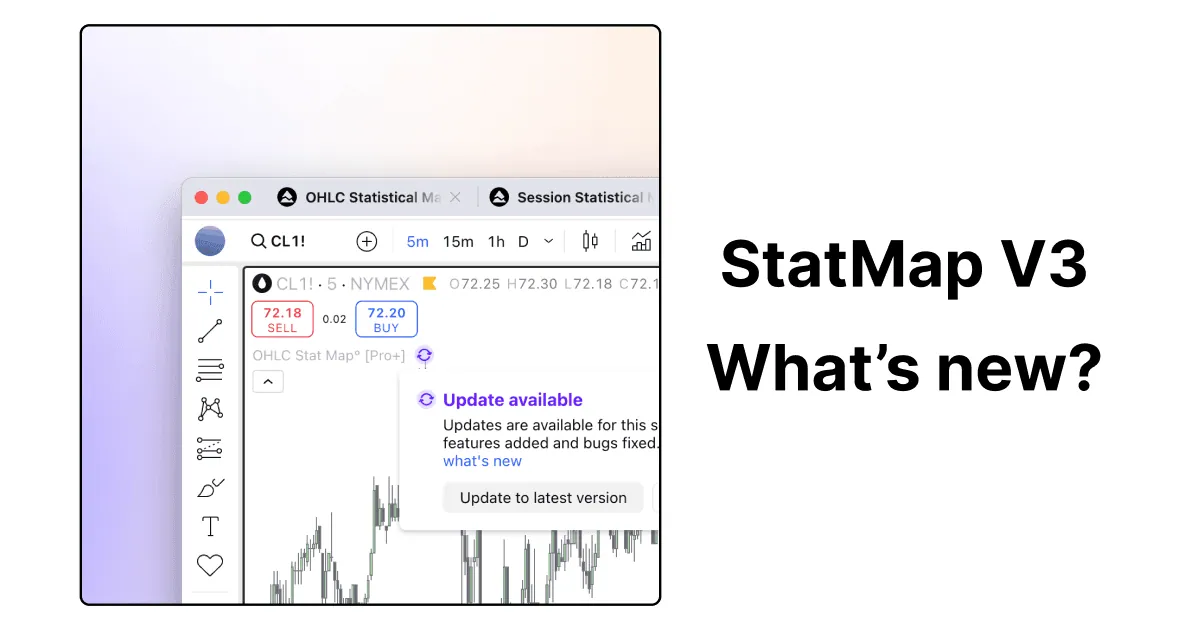
StatMap V3 – Update
StatMap V3 added the Both option for Mean and Median, daily levels consistent across timeframes and support for quarterly futures contracts.
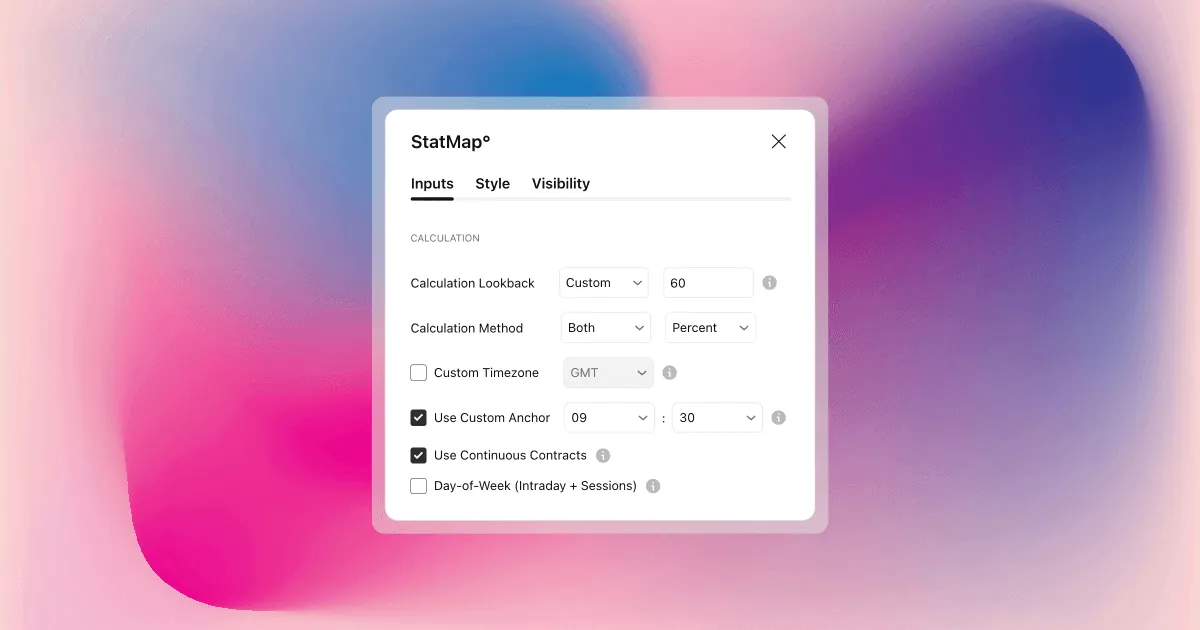
New Features
The October 2024 update added the Offset line style, Mean and Median calculation methods, Points or Percent units and a custom timezone.
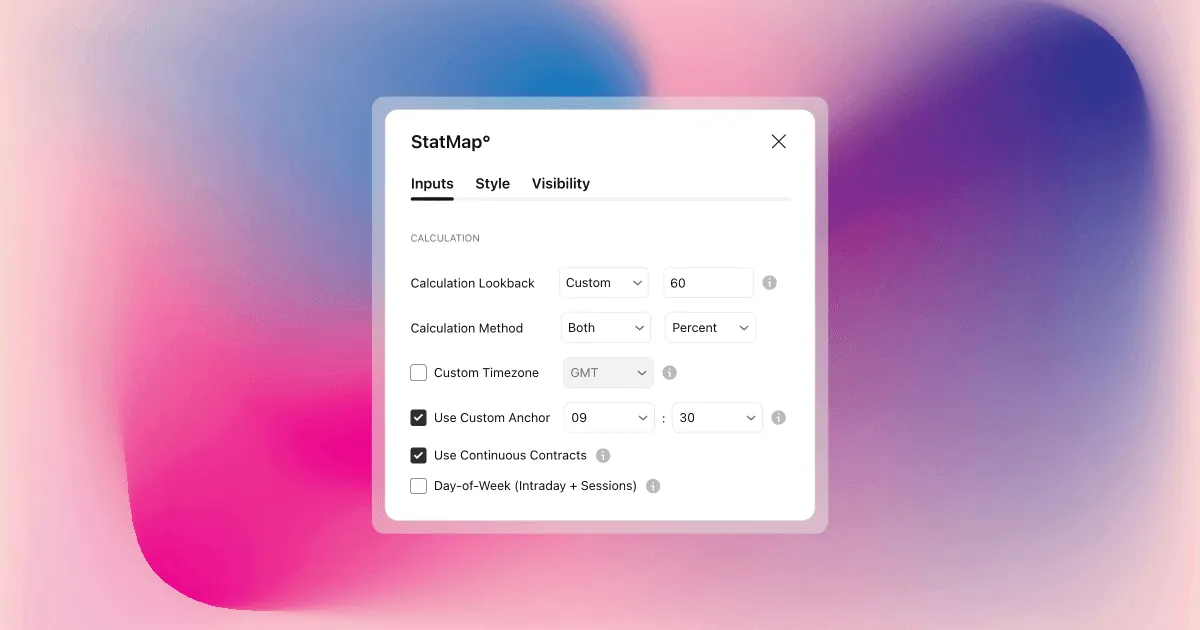
What’s New in V2
Version 2 extended the lookback to up to 50 years of history, made levels consistent across timeframes and added lookback presets and a bank holiday fix.